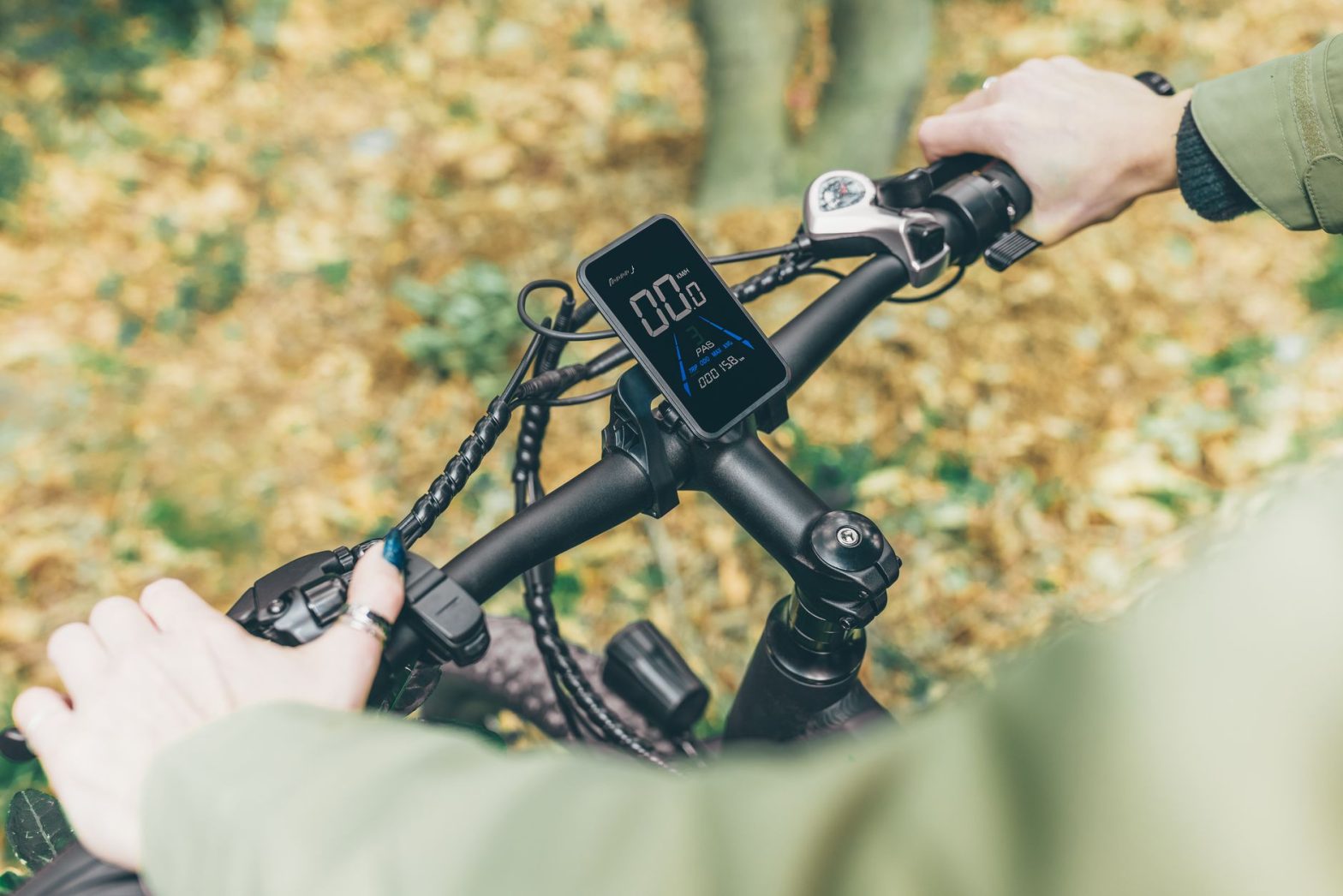
Ride with GPS is a complete cycling navigation platform that allows riders to plan, track, and share routes using detailed maps and turn-by-turn voice guidance. Whether you are mapping a local commute or planning a long-distance bikepacking adventure, the app provides tools to help you navigate with confidence on any terrain.
⚡ In a Rush? Key Takeaways
- The basic version is free, while premium subscriptions for advanced features start around $10 per month.
- The app supports global maps, offering navigation capabilities in over 190 countries worldwide.
- Offline maps enable navigation in remote areas with zero cell signal for up to 500 miles of routes.
- ✅ Use the free tier to test the interface, but upgrade to premium if you need offline turn-by-turn alerts.
How Does Ride with GPS Work for Cyclists?
The platform functions by combining a web-based route builder with a mobile app that offers voice cues and tracking for riders.
What features are included in the free version?
The free version provides basic route planning, distance tracking, and access to a community library of shared local bike routes.
You can start by creating a free account on their website to begin building your own custom paths. The desktop route planner is incredibly powerful and allows for precise adjustments that are difficult to replicate on smaller mobile screens.
- Basic route planning and editing
- Access to the public route library
- Mobile app tracking and statistics
- Syncing with head units like Garmin or Wahoo
What advanced tools are available in the premium subscription?
Premium members gain access to offline maps, live location logging for safety, and advanced turn-by-turn audible navigation.
If you are planning to head into areas without mobile reception, the offline map feature is essential for safety. It ensures your device continues to function as a reliable GPS navigator even when you have no data connection.
| Feature | Free Version | Premium Version |
|---|---|---|
| Offline Maps | No | Yes |
| Voice Navigation | No | Yes |
| Live Tracking | No | Yes |
How can I export, import, and share routes in different file formats?
Ride with GPS lets you save routes as GPX, TCX, or KML files for use with other devices and platforms, and you can import routes from those formats into your account.
From the route editor on the web, click the Export button and choose the desired file type; GPX is universally supported by most bike computers and smartwatches, while TCX includes workout data useful for training platforms like TrainingPeaks. Importing works similarly: drag a GPX/TCX/KML file onto your dashboard or use the Import option to bring in routes created elsewhere, preserving cues and waypoints.
Sharing is straightforward: set a route to Public, Unlisted, or Private, then share the direct link or embed the route on a website. Premium users can also bundle multiple routes into a Collection for easier distribution to club members or event participants.
How Do I Use the Ride with GPS App on My Phone?
Users simply download the mobile application, log into their account, and sync saved routes directly from their personal dashboard.
How do I set up my first ride on the app?
After installing the app, navigate to your saved routes folder and select the path you wish to follow for turn-by-turn guidance.
Ensure your GPS permissions are enabled in your phone’s settings to track your movement accurately. Once you tap start, the app will use your phone’s internal sensors to monitor your speed, elevation, and location in real-time.
If you are looking for other gear to keep your phone stable while riding, check out our guide on selecting the best phone mounts for bikes. A secure mount makes it much easier to check your stats without stopping.
Is it compatible with my existing bike computer?
Yes, the app syncs smoothly with popular brands like Garmin, Wahoo, and Hammerhead to push routes automatically to your hardware.
- One-click sync to your device
- Automated uploads of completed rides
- Wireless route updates on the go
Are There Any Good Alternatives to Ride with GPS?
Several alternatives exist depending on whether you prioritize community route sharing, social features, or simple map tracking.
Which free alternatives are best for simple tracking?
Strava and Komoot provide popular alternatives that offer strong community segments and basic mapping for casual daily cyclists.
If your main goal is just tracking your mileage or showing friends where you cycled, simpler apps might fit your needs better. Always consider the primary function you need, whether that is performance data or purely map-based navigation.
For those who also participate in other sports, managing your gear is vital; explore our tips on gear maintenance for active outdoor enthusiasts to ensure your setup lasts. Staying organized with your equipment helps you spend more time riding and less time repairing.
When should I choose a different navigation platform?
Switch to an alternative if you require specialized training analytics or if you prefer a social-first experience over navigation.
- Strava for social and competitive segments
- Komoot for hiking and mixed-terrain exploration
- Google Maps for simple point-to-point urban routing
Frequently Asked Questions
-
Is Ride with GPS worth the monthly cost?
It is highly recommended for long-distance riders and gravel explorers who need reliable offline maps and turn-by-turn guidance.
-
Does it drain my phone battery quickly?
Extended GPS usage will consume battery life, so we suggest using an external power bank for rides exceeding three hours total.
-
Can I share my live location with friends?
Yes, the live logging feature allows authorized contacts to view your real-time position during a recorded cycling activity.
-
Is it safe to use while commuting?
It is effective for commuting, but always prioritize situational awareness and use voice cues instead of staring at the screen.
If you find yourself commuting often, you might also want to look into safety gear and lighting solutions to keep you visible to cars. Safe riding habits combined with good tech make for a better experience.